Daily prompts
Bring back the checks you run every day without rebuilding the prompt from memory.
 PromptPlanner


AI prompt planning for Mac
Requires macOS 14.6 or later
The problem
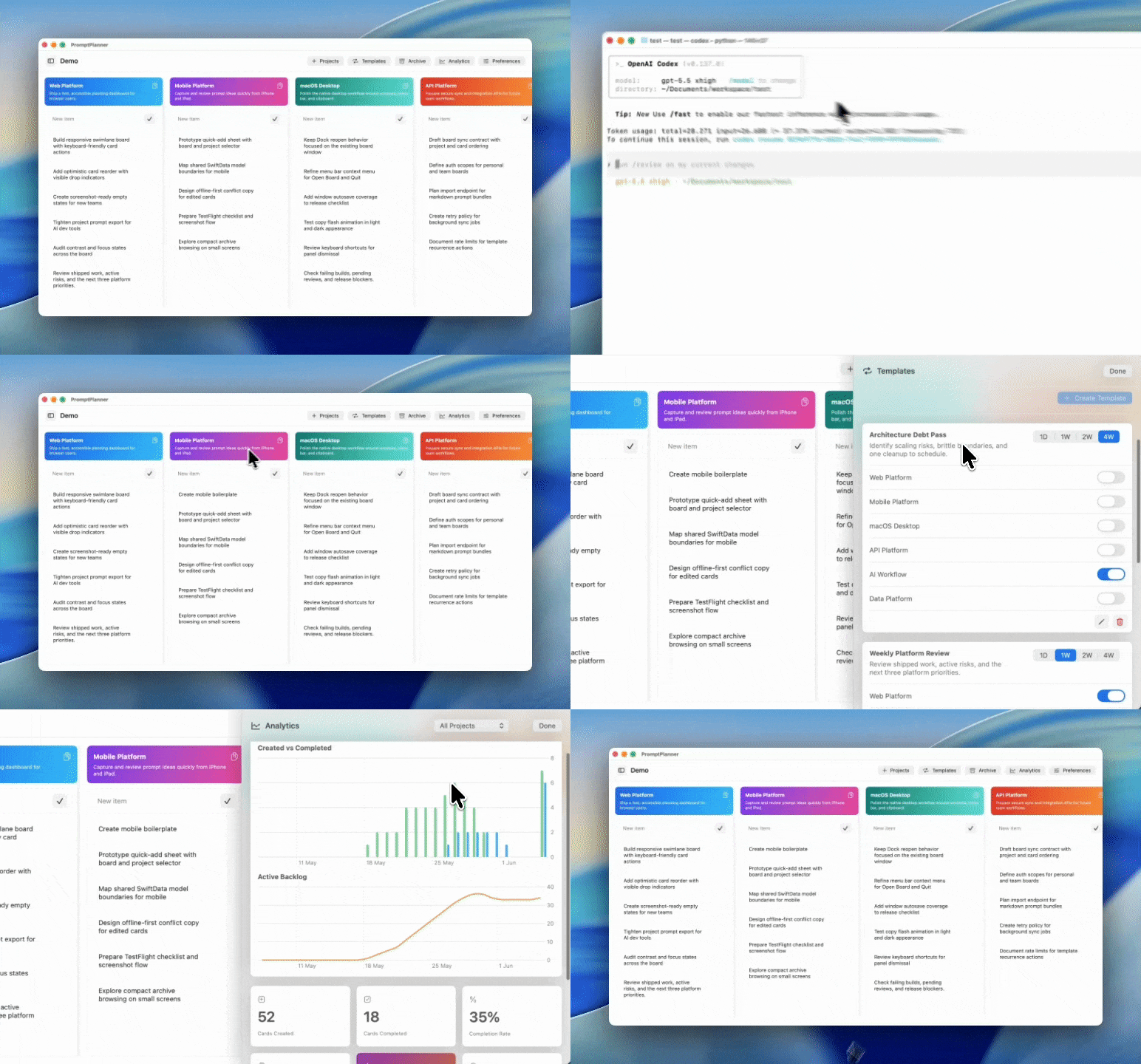
Prompts start as notes, TODOs, chat fragments, and half-finished plans. Then the useful ones disappear. PromptPlanner gives that work a home, so every project keeps its goal, unfinished tasks, reusable prompts, and recurring reminders together.
Core workflow
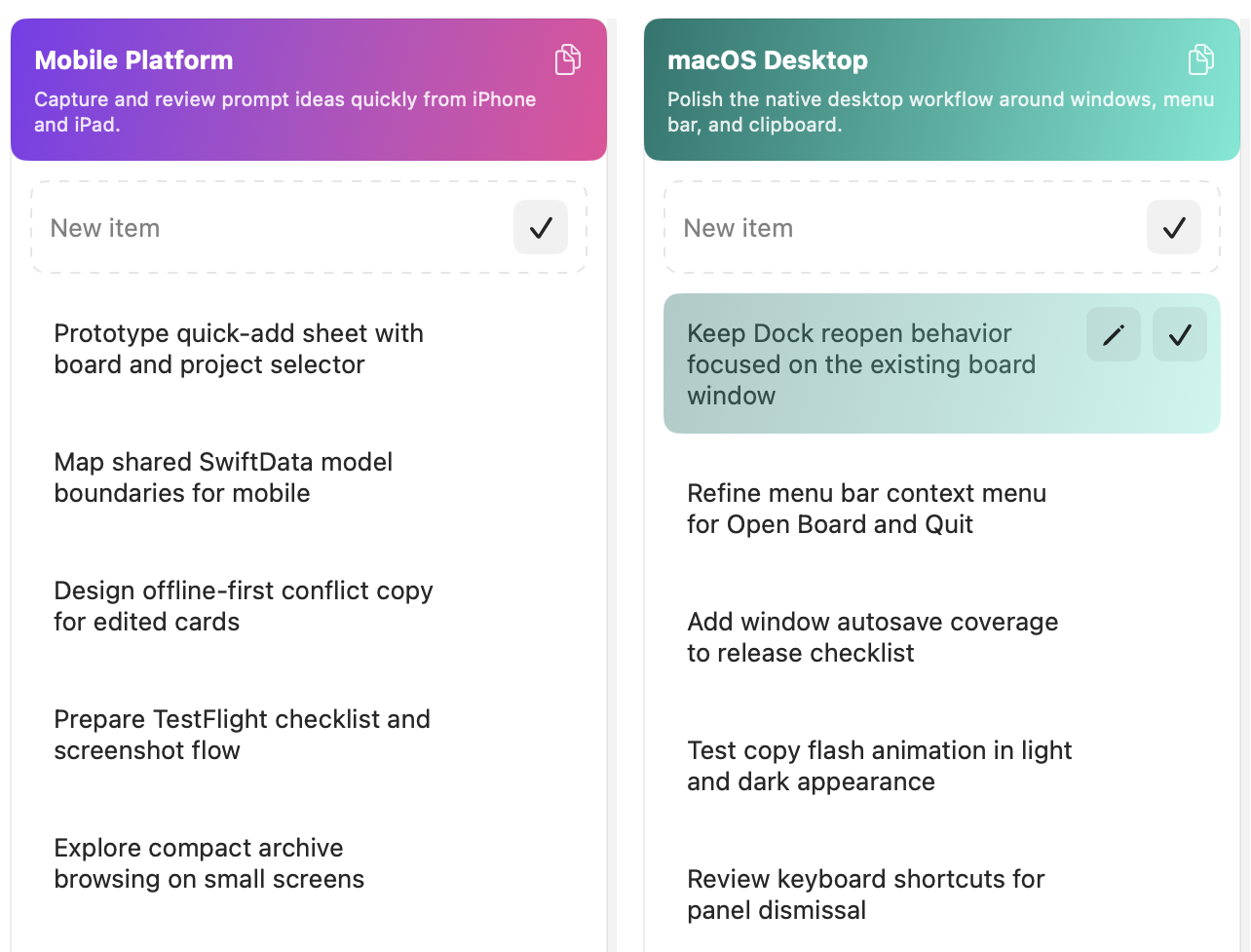
Give every project its own lane, goal, and backlog. Cards stay plain text, so the next useful prompt is always one click away.
Recurring templates
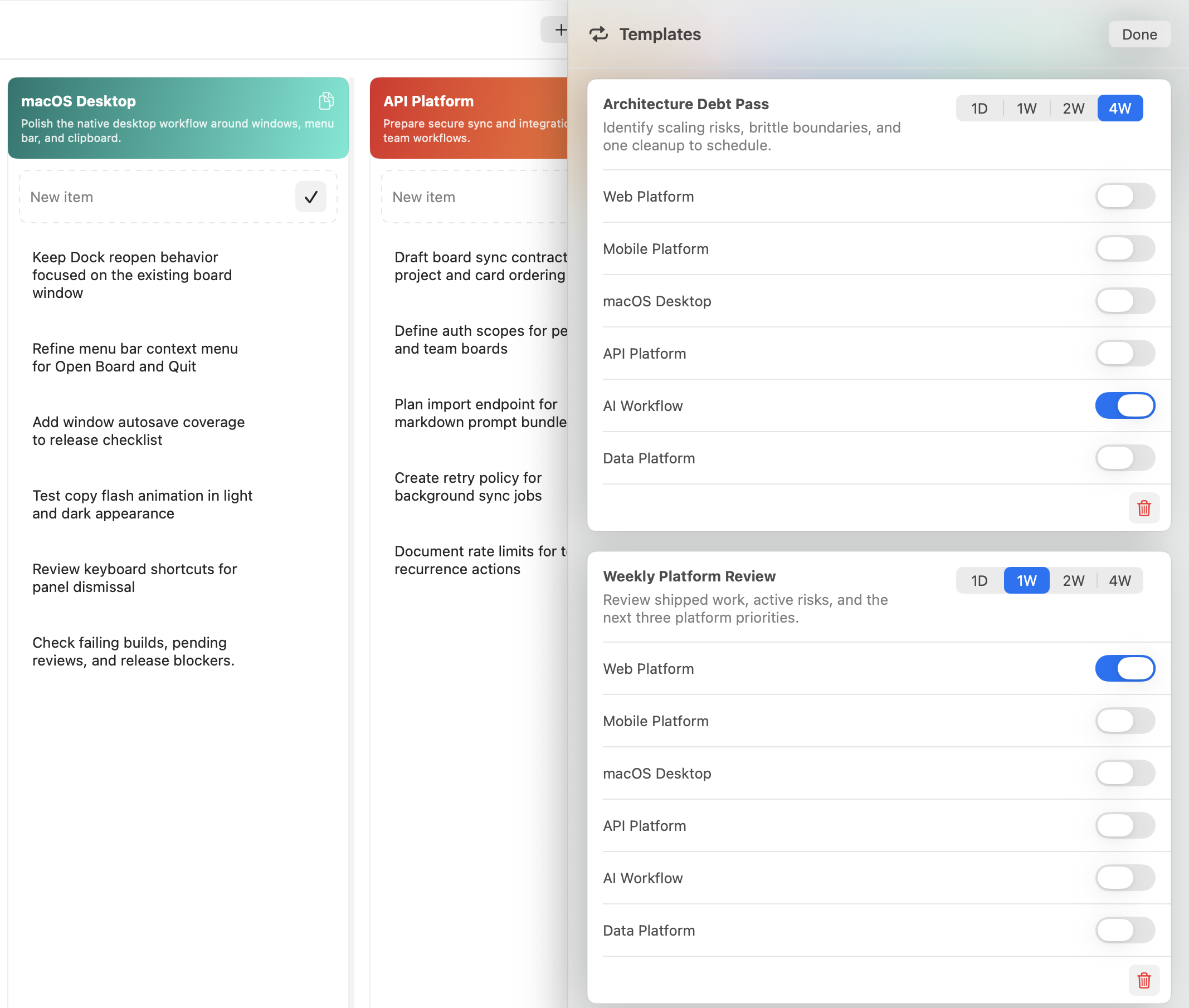
Some prompts are not one-off tasks. Weekly review, tax administration, release prep, content planning, backlog grooming, and architecture checks all come back over time.
Bring back the checks you run every day without rebuilding the prompt from memory.
Turn recurring planning, release, and bookkeeping work into repeatable prompt cards.
Keep long-running architecture, content, or admin routines from slipping out of view.
AI agent workflow
When every project has a clear goal and a list of remaining prompts, it is easier to brief multiple AI agents without mixing context. Copy the next prompt, hand it to the right tool, and keep the board as the source of truth for what remains.
Analytics
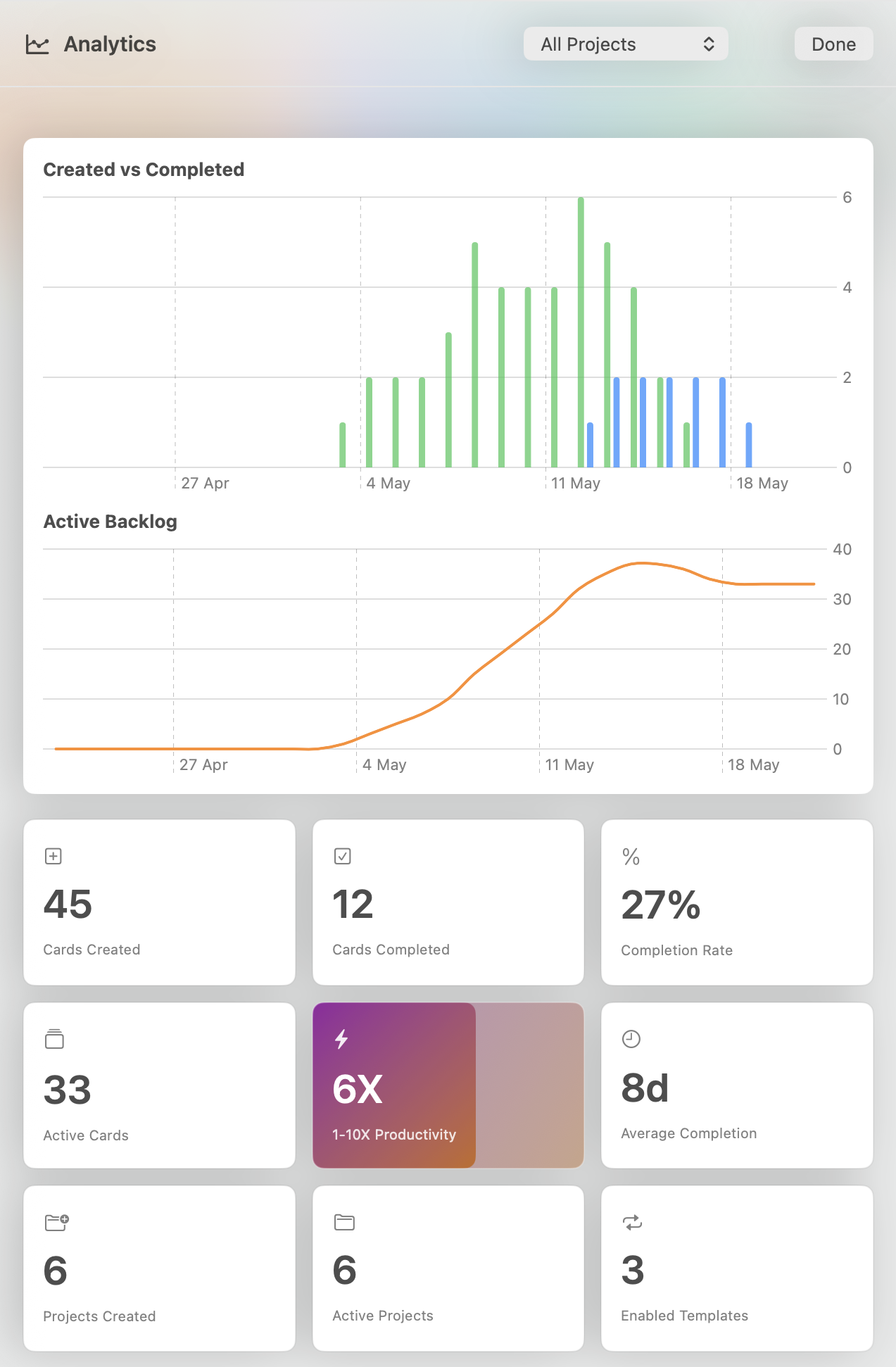
Track created and completed cards across boards and projects. Use analytics to understand where work is moving, where prompts are piling up, and which projects need attention.
Native macOS workflow
PromptPlanner lives in the menu bar, opens from the Dock, and supports Cmd+Tab. Use it like a small control center for AI work: peek at the board, copy the next prompt, and return to your editor.
Works with
PromptPlanner keeps the plan on your Mac, then lets you copy the next prompt into the AI assistant that fits the job. Use the same board across coding, writing, research, and review workflows.
 Codex
Codex
Use saved prompt cards to brief coding agents with cleaner project context.
 Claude
Copy longer planning prompts and iterative review tasks without losing structure.
 Gemini
Keep repeatable research and generation workflows ready to reuse across projects.
 Cursor
Turn backlog items into prompts you can paste straight into your editor workflow.
Use PromptPlanner to capture ideas, schedule recurring prompts, and keep every AI-assisted project moving.
Requires macOS 14.6 or later